The way businesses print has changed dramatically over the past few years. Rising ink costs, hybrid work environments and the increasing need to digitise documents have made all-in-one printers more important than ever. Rather than simply producing documents, today’s office printers are expected to serve as productivity hubs, handling everything from high-volume printing and duplex scanning to cloud connectivity and mobile workflows while keeping operating costs under control.
The Epson EcoTank L6390 has been designed with these requirements in mind. Positioned as a premium multifunction ink tank printer for small businesses, home offices and professionals, it combines Epson’s proven EcoTank refillable ink system with productivity-focused features such as automatic duplex printing, duplex scanning via an automatic document feeder (ADF), Ethernet networking, fax functionality and wireless printing. On paper, it promises the efficiency of a business laser printer without the high toner costs typically associated with one.
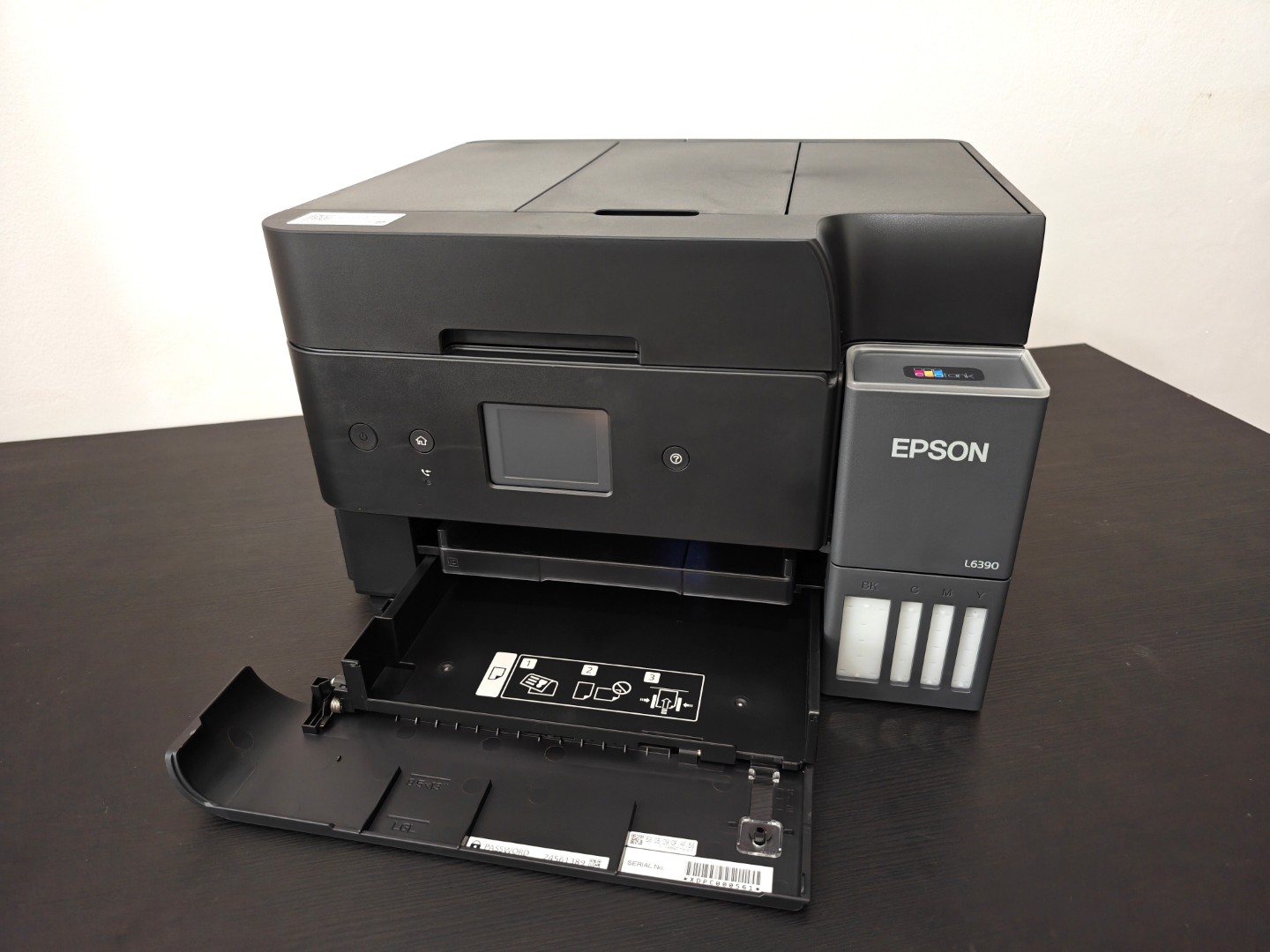
After putting the EcoTank L6390 through real-world office workloads—including printing lengthy reports, scanning multi-page contracts, producing colour presentations and handling day-to-day business documents—it becomes clear that this printer is aimed squarely at users who prioritise reliability, productivity and long-term value over the lowest upfront price. The question is whether it delivers enough performance and efficiency to justify that investment.
Design and Build Quality
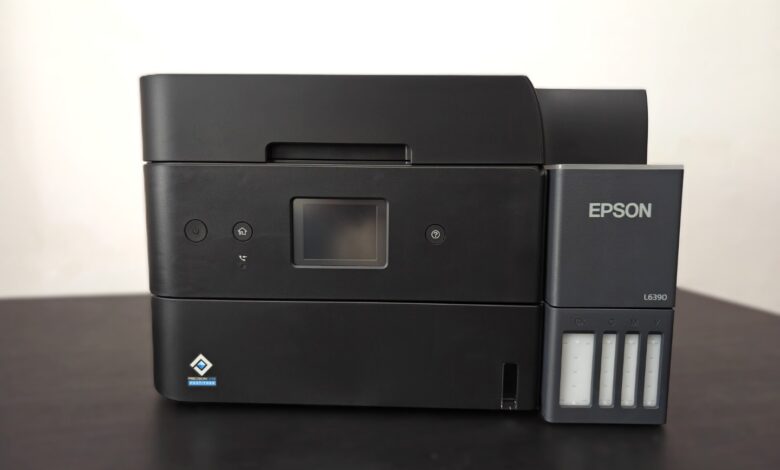
The Epson EcoTank L6390 is designed for professionals, small businesses and home offices that need more than just a basic printer. Positioned above entry-level EcoTank models, it combines printing, scanning, copying and faxing into a compact desktop unit while adding features such as automatic duplex printing, duplex scanning through a 30-sheet automatic document feeder (ADF), Ethernet connectivity and a colour touchscreen. While these specifications look impressive on paper, the real question is whether the L6390 justifies its premium over cheaper EcoTank models.
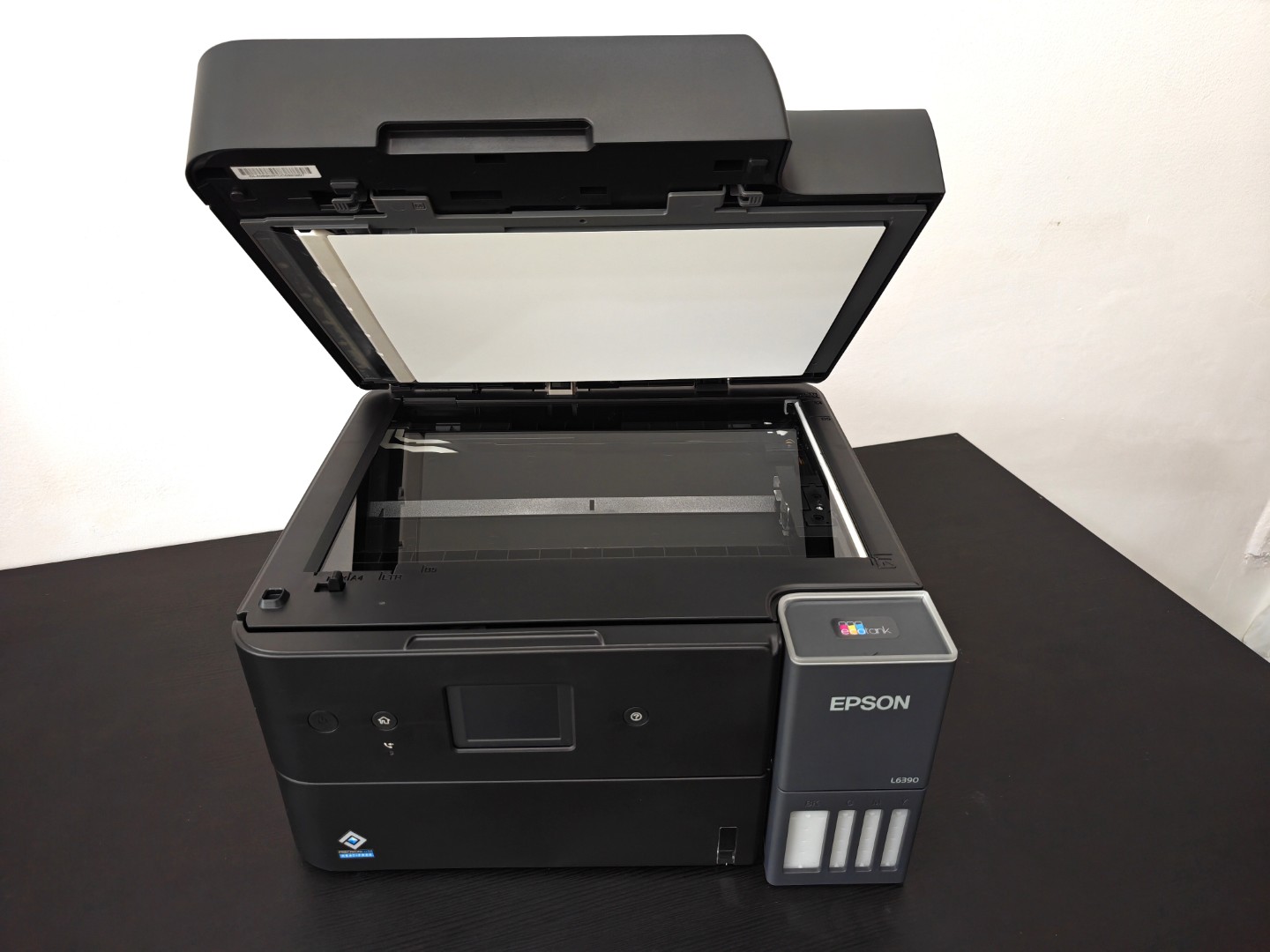
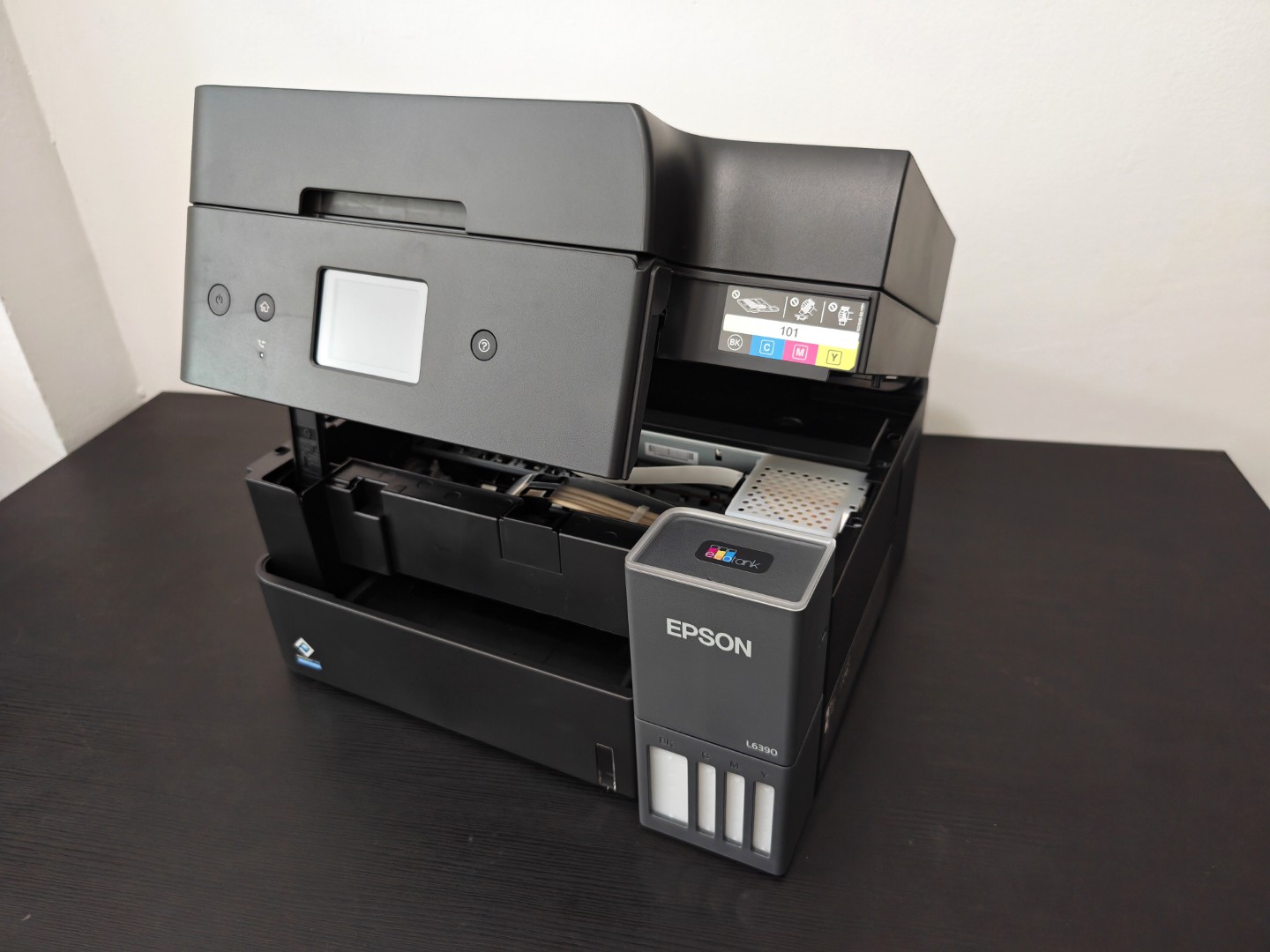
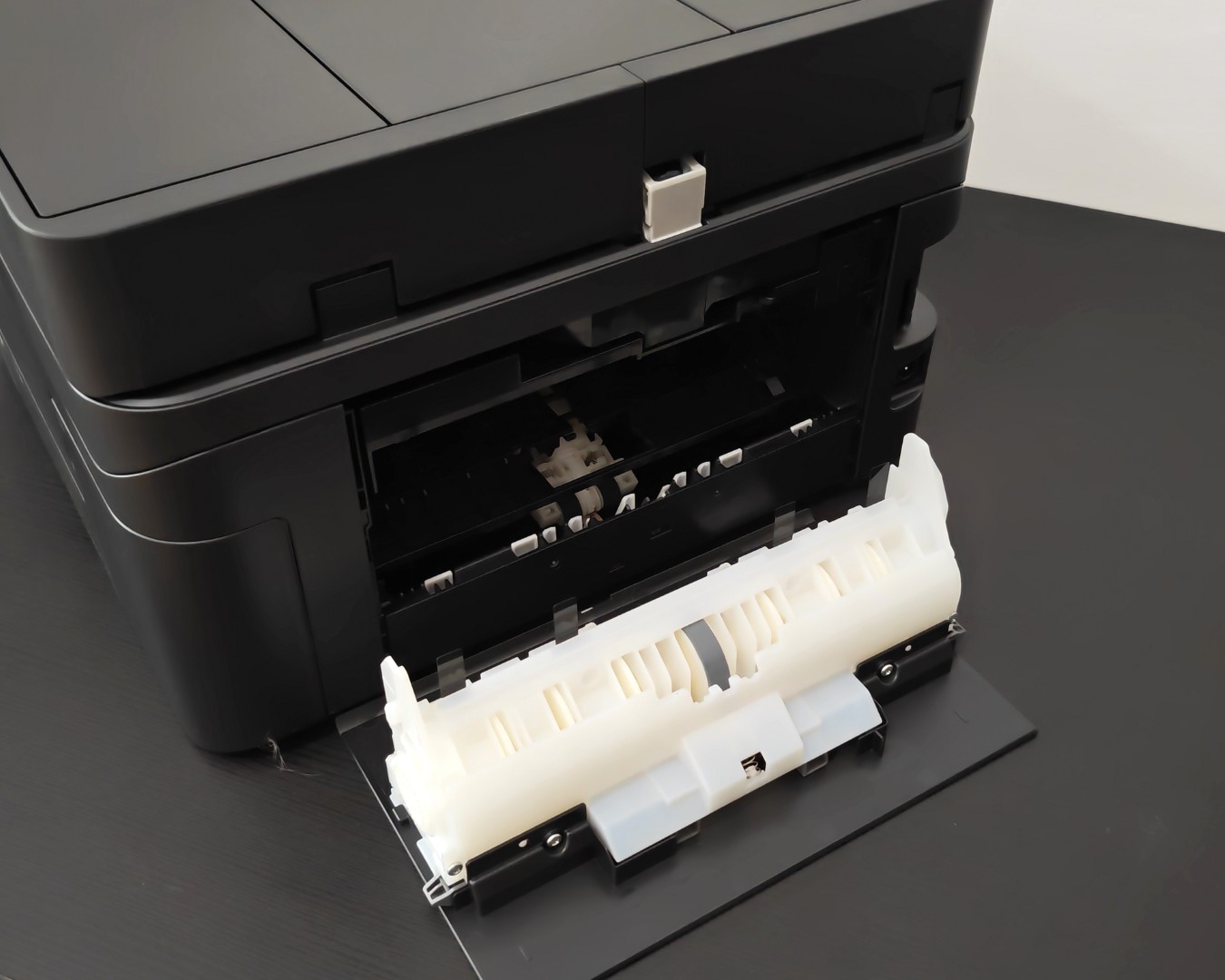
From the moment the printer is unboxed, it feels like a business-class product rather than a consumer printer. Epson has kept the design understated with a matte black finish that resists fingerprints and fits naturally into an office environment. Despite incorporating an ADF and a large 250-sheet paper cassette, the footprint remains surprisingly compact, making it suitable for smaller offices where desk space is at a premium. The control panel tilts upwards for easier viewing, while the front-facing refillable ink tanks allow users to quickly check ink levels without opening the printer.
Setup and Ease of Use
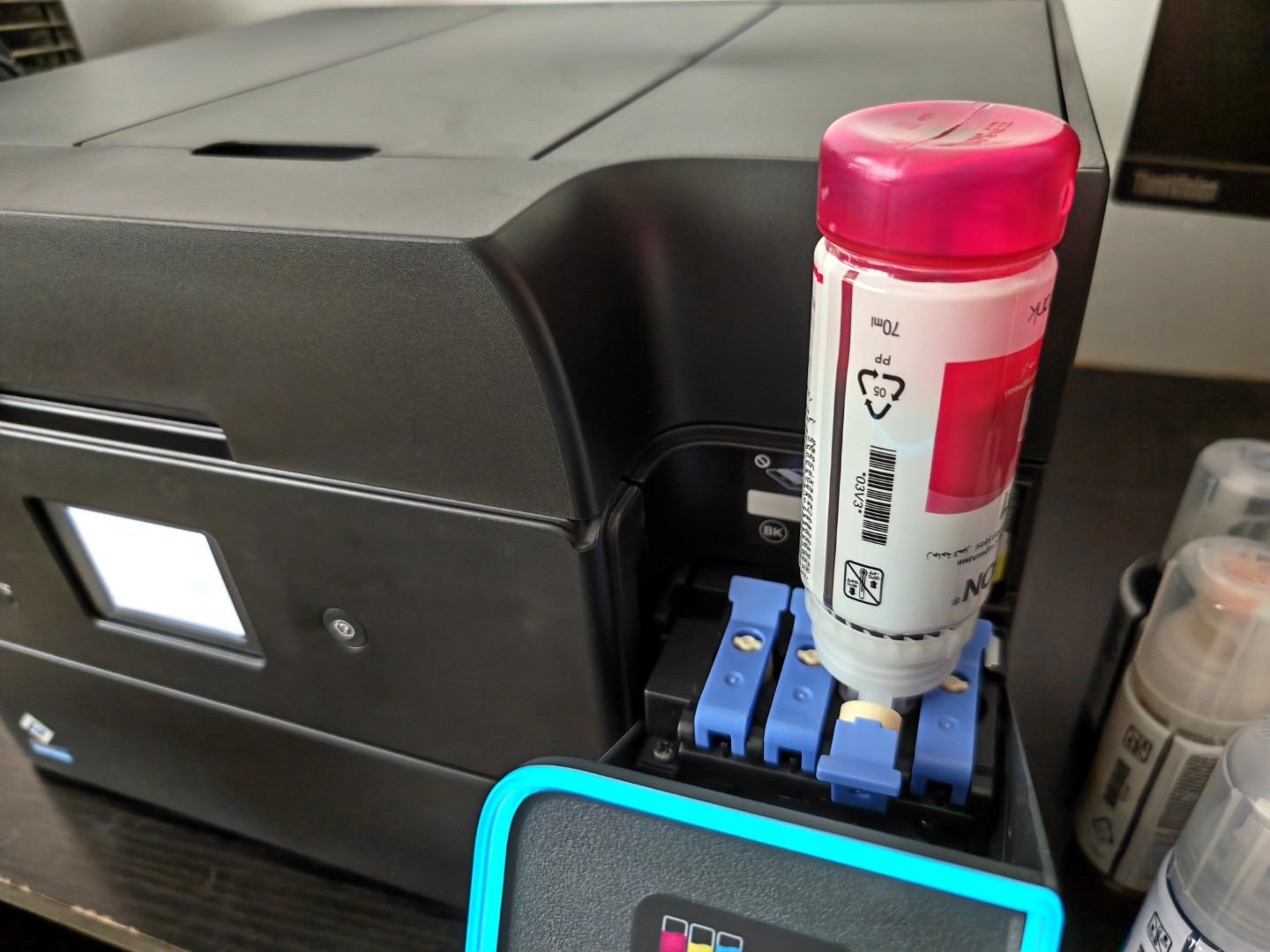
One of the biggest advantages of the EcoTank series is the refillable ink tank system. Filling the tanks is straightforward thanks to Epson’s key-lock bottle design, which prevents incorrect colours from being poured into the wrong tank. Unlike traditional cartridge printers, there is virtually no mess during setup, and the included ink supply is generous enough to last many months—or even years—for moderate users. Epson claims yields of up to 14,100 monochrome pages and 5,200 colour pages with the included bottles, translating into dramatically lower running costs than cartridge-based alternatives.
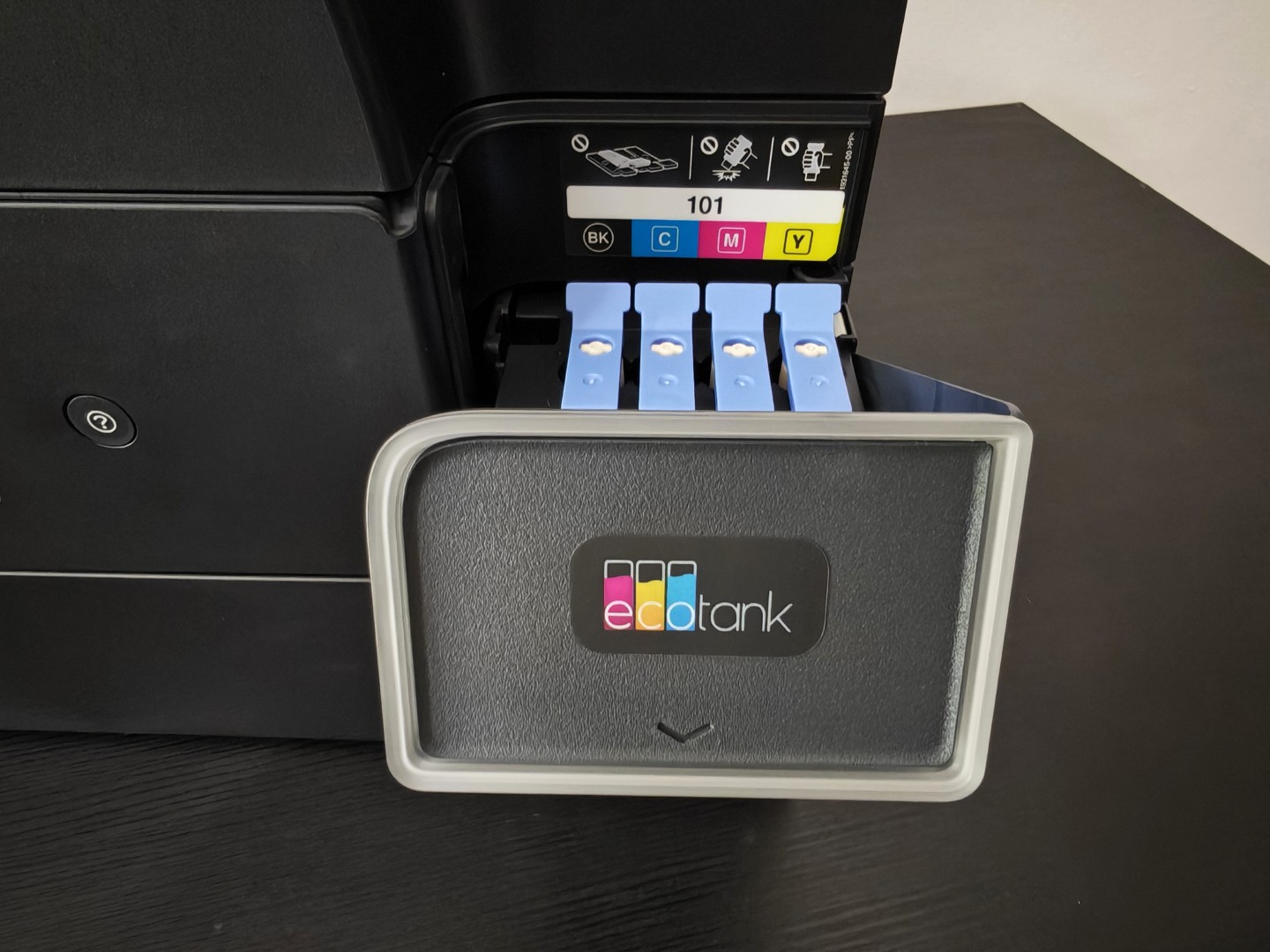
The guided installation process is simple, with the Epson Smart Panel mobile app making Wi-Fi configuration almost effortless. Within a few minutes, the printer can be connected to desktops, laptops and mobile devices without requiring extensive technical knowledge.
Print Quality
Print quality is one of the L6390’s strongest attributes. Black text is exceptionally sharp thanks to Epson’s pigment black ink, making contracts, reports and spreadsheets look crisp even at smaller font sizes. Documents printed on ordinary office paper have excellent contrast and remain smudge-resistant shortly after printing. This makes the printer particularly well suited to legal firms, accounting offices and businesses that regularly produce text-heavy documents.
Colour printing is equally impressive for business graphics. Charts, presentations and marketing brochures show vibrant colours with smooth gradients and accurate colour reproduction. Although this is not a dedicated photo printer, photographs printed on Epson’s premium photo paper display pleasing colours and respectable detail. The four-colour ink system cannot match six-colour photo printers in tonal depth, but for occasional photo printing, the results are more than satisfactory.
Real-World Performance
The L6390 impresses most when used in everyday office environments rather than controlled benchmark tests. During typical workdays involving invoices, quotations, spreadsheets, contracts and occasional colour presentations, the printer remains consistently responsive. Jobs sent from multiple PCs on the same network are queued efficiently, and there is very little delay before printing begins.
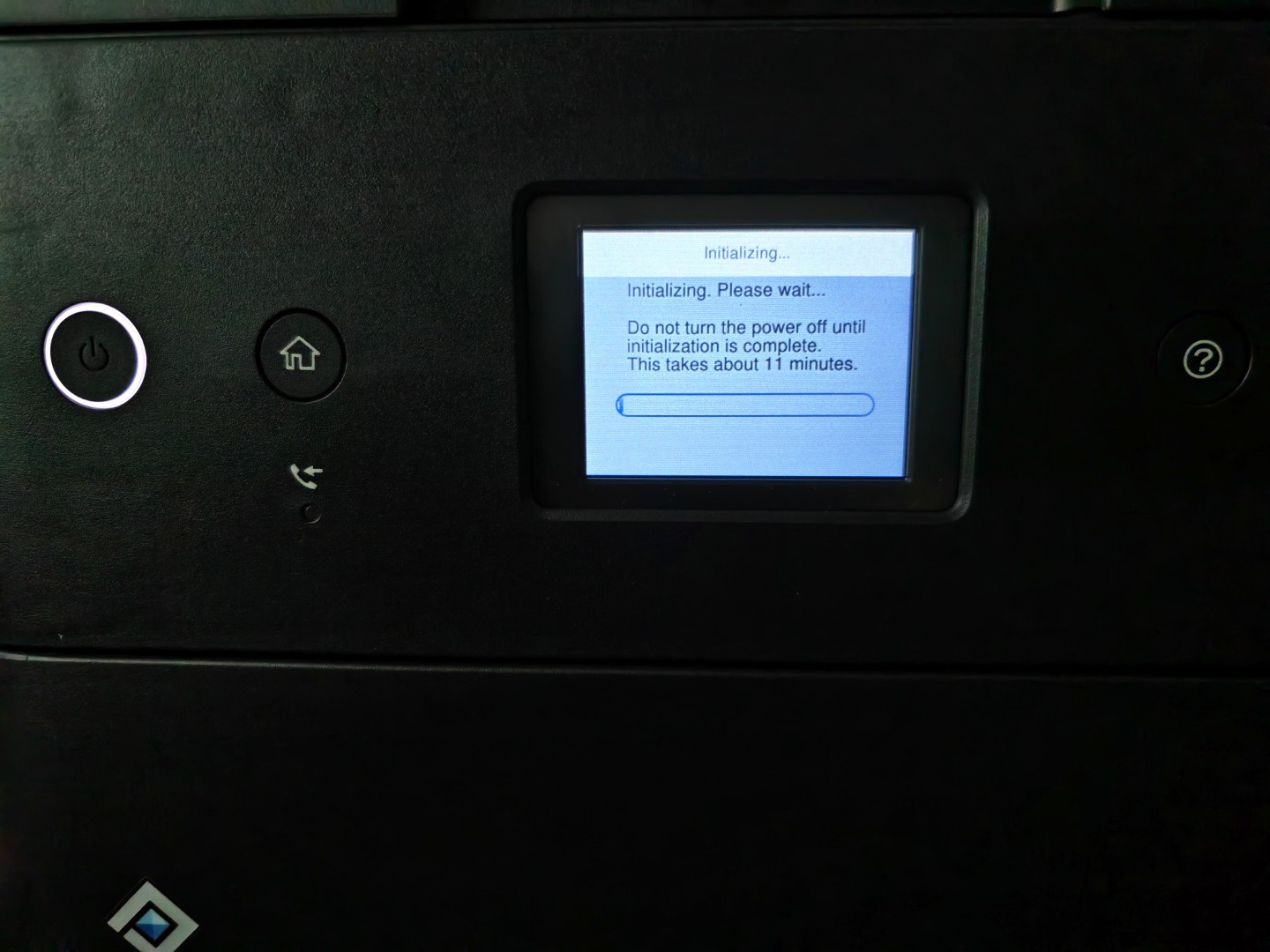
A 20-page black-and-white report is completed in under two minutes, while mixed documents containing text, charts and colour graphics print smoothly without frequent pauses. Unlike many entry-level inkjet printers that slow noticeably after the first few pages, the L6390 maintains a consistent pace throughout larger print runs of 100 to 200 pages.
Automatic duplex printing works reliably, with pages feeding accurately and minimal impact on overall speed. Businesses that regularly print reports or proposals will appreciate how effortlessly double-sided printing integrates into daily workflows. The printer also remains remarkably quiet during operation. Even during continuous print jobs, fan and paper-feed noise never become intrusive, making it suitable for shared office spaces or home offices.
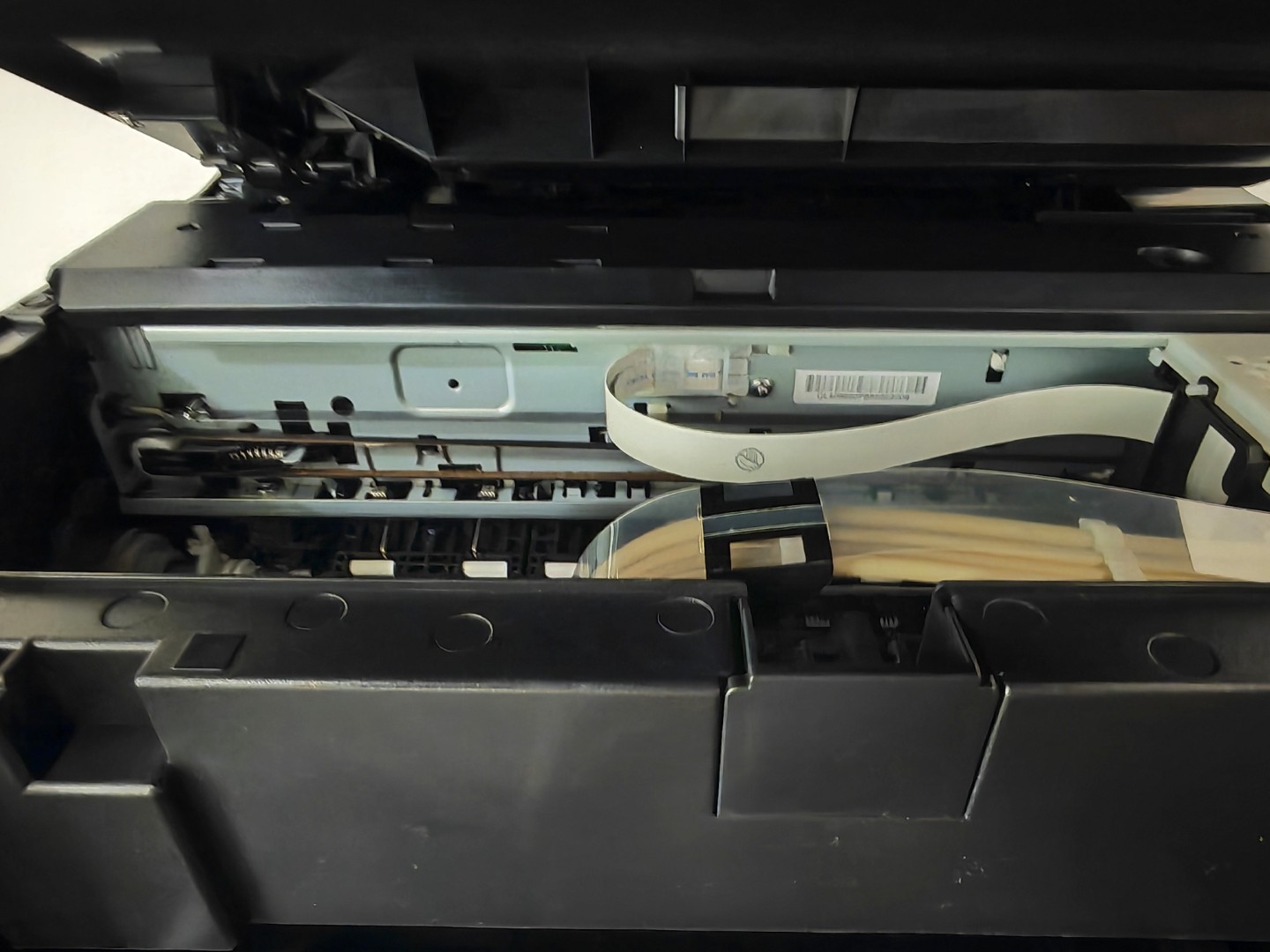
In day-to-day use, the PrecisionCore printhead delivers consistently sharp output without requiring frequent cleaning cycles. After periods of inactivity lasting several days, the printer resumes printing immediately without missing lines or banding, demonstrating good nozzle reliability.
Scanning and Copying
The scanner is another area where the L6390 distinguishes itself. The flatbed scanner captures excellent detail, making it suitable for everything from contracts and invoices to photographs. More importantly for business users, the 30-sheet automatic document feeder supports automatic double-sided scanning, eliminating the need to manually flip documents. This dramatically speeds up digitising multi-page contracts, HR documents and financial records.
Continuous scanning sessions proceed smoothly with very few paper feed issues. OCR software accurately converts scanned documents into searchable PDFs, making digital archiving significantly easier. Copy quality closely mirrors original documents. Black-and-white copies retain excellent sharpness, while colour copies reproduce charts, logos and graphics with impressive accuracy.
Connectivity and Software
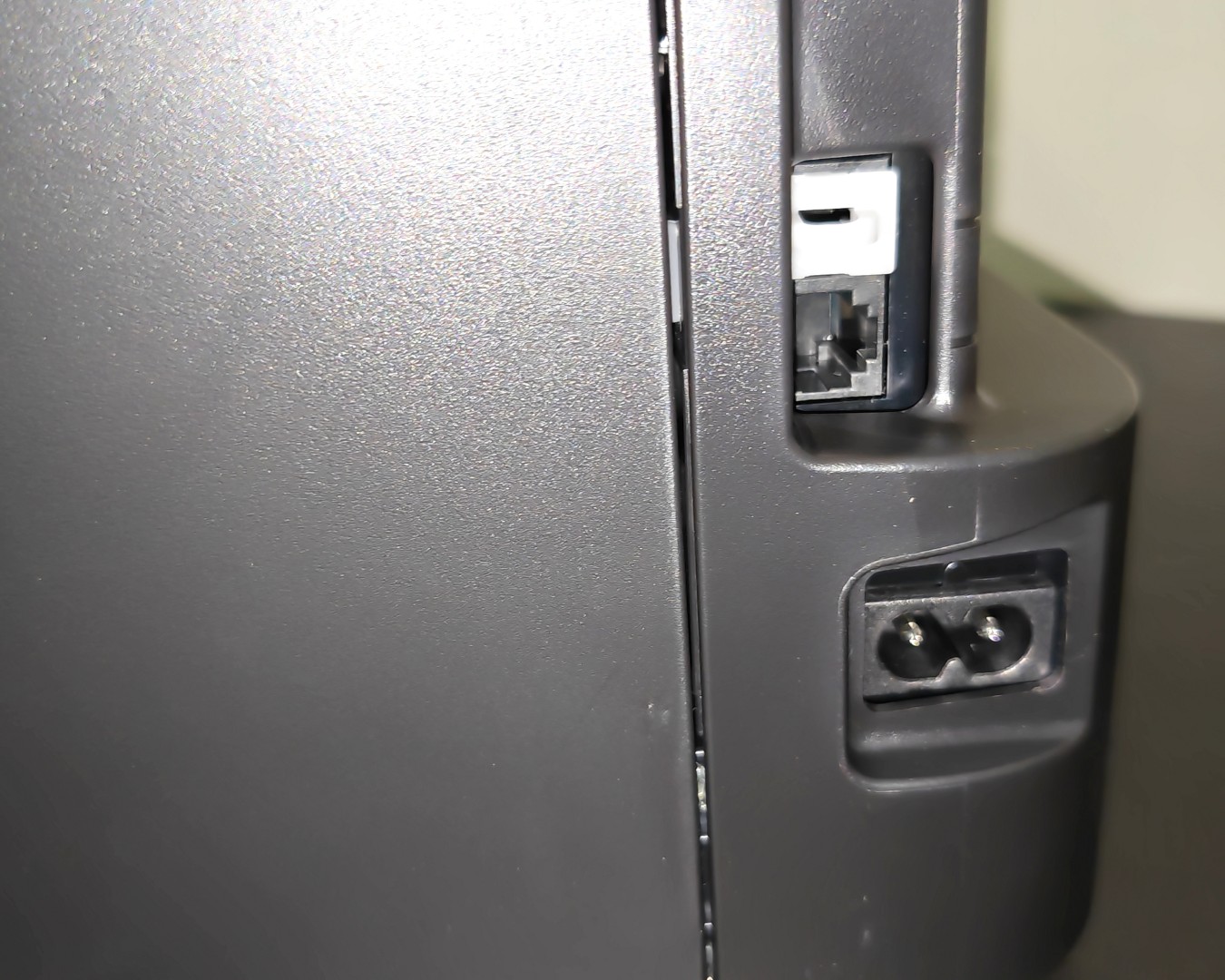
The L6390 offers comprehensive connectivity options including Wi-Fi, Wi-Fi Direct, Ethernet and USB. Mobile printing support through Epson Smart Panel, Apple AirPrint and Mopria enables seamless printing from smartphones, tablets and laptops. The Epson Smart Panel application also provides remote monitoring, maintenance tools and firmware updates from a mobile device.
Cloud printing and scan-to-cloud capabilities further enhance productivity for businesses that rely on remote collaboration or digital document workflows.
Running Costs
One of the L6390’s biggest advantages is its exceptionally low cost per page. Epson’s refillable EcoTank system dramatically reduces ink expenses compared to cartridge-based printers. Businesses printing thousands of pages annually can save hundreds, if not thousands, over the lifespan of the printer.
The maintenance box is user-replaceable, reducing long-term servicing costs, while Epson’s Heat-Free Technology keeps energy consumption low by eliminating the need for heating elements during printing. Combined with the high-yield ink bottles, ownership costs remain among the lowest in its class.
Everyday Productivity
The L6390 feels like a printer designed by people who understand how small businesses actually operate. The 250-sheet paper tray means paper rarely needs replenishing during busy periods, while the automatic document feeder significantly reduces manual intervention when scanning contracts or invoices.
The colour touchscreen is responsive and logically organised. Common tasks such as copying, scanning, network configuration and maintenance can all be completed directly from the printer without referring to the manual. Its ability to function as a shared network printer through Ethernet also makes it ideal for offices where multiple employees need simultaneous access.
Verdict
After extensive evaluation, the Epson EcoTank L6390 stands out as one of the most complete business-oriented ink tank printers currently available. It successfully combines excellent print quality, reliable scanning, automatic duplex printing, duplex scanning, extensive connectivity and exceptionally low operating costs into a compact, well-built machine.
Its real-world performance is where it truly excels. Whether printing invoices throughout the day, scanning contracts, producing colour presentations or serving multiple users over a network, the L6390 remains consistently fast, dependable and economical to operate.
For home offices, accountants, consultants, educational institutions and small to medium-sized businesses that print regularly, the higher initial purchase price is quickly offset by the substantial savings in ink and maintenance over time.
The Epson EcoTank L6390 may not be the cheapest multifunction printer available, but it is undoubtedly one of the smartest long-term investments for businesses seeking reliable, high-volume document printing without the ongoing expense of traditional ink cartridges.
Price: AED 1480
Epson EcoTank L6390 AED 1480
-
Final Rating
Summary
The L6390 feels like a printer designed by people who understand how small businesses actually operate. The 250-sheet paper tray means paper rarely needs replenishing during busy periods, while the automatic document feeder significantly reduces manual intervention when scanning contracts or invoices.